AI antidetect browser with a built-in AI agent
Picture a helper who understands everyday language and works in your antidetect browser while you focus on what matters. Describe a task, and the Agent-X AI assistant sets up profiles, checks proxies, mailboxes and wallets, then tells you what it did. Payments and deletions always stay your call.
What an AI assistant in an antidetect browser is
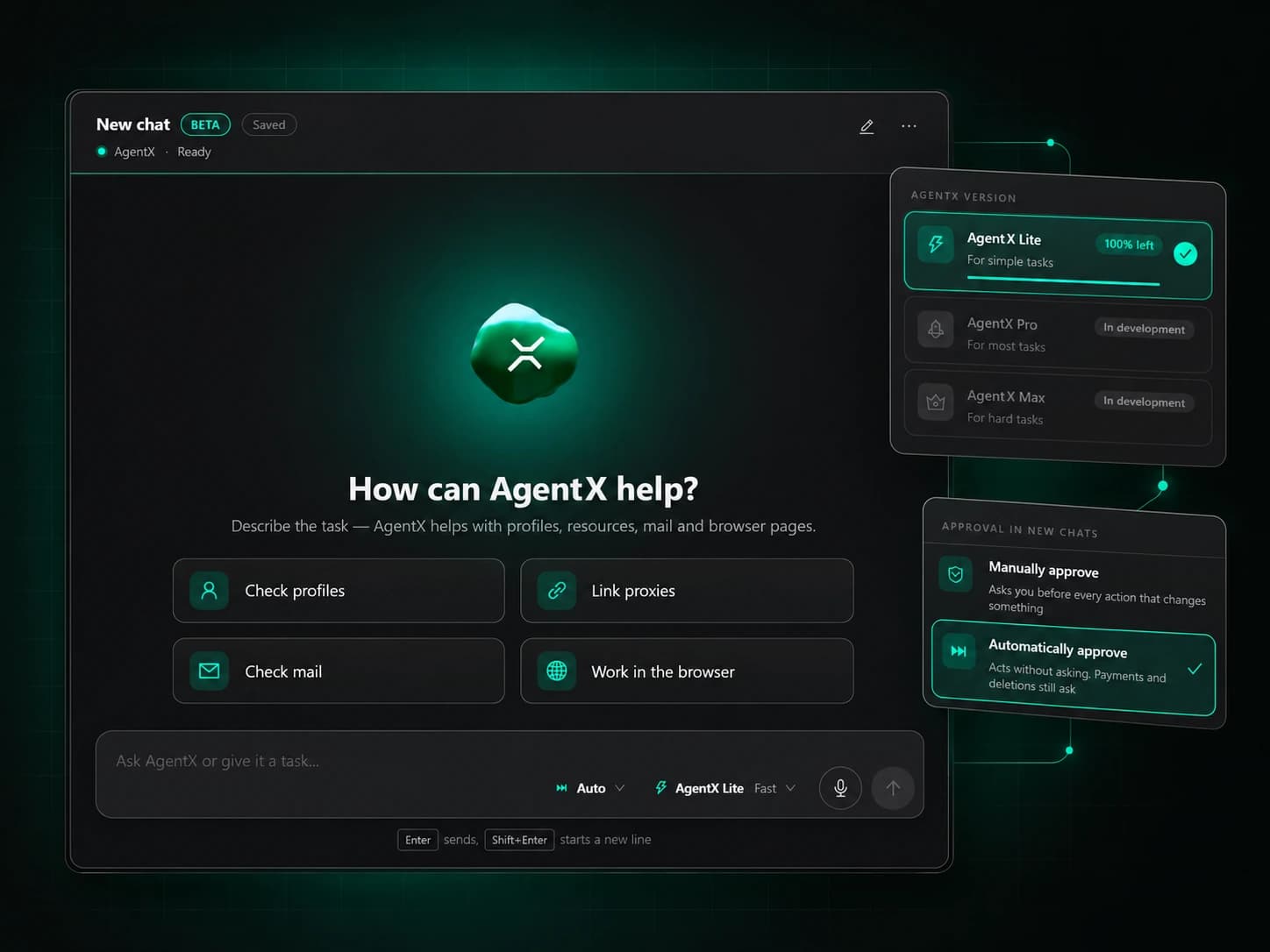
The Agent-X AI assistant is a built-in AI agent you can hand work to inside the app, the way you would brief an experienced colleague. A regular chatbot only tells you where to click, so you still end up working through tables, dialogs and settings yourself – and across a large profile farm that eats whole evenings. The Agent-X assistant acts on its own: you name the goal, it draws up a plan, carries out the steps with the same functions you use by hand and shows you the result.
Goals, not instructions
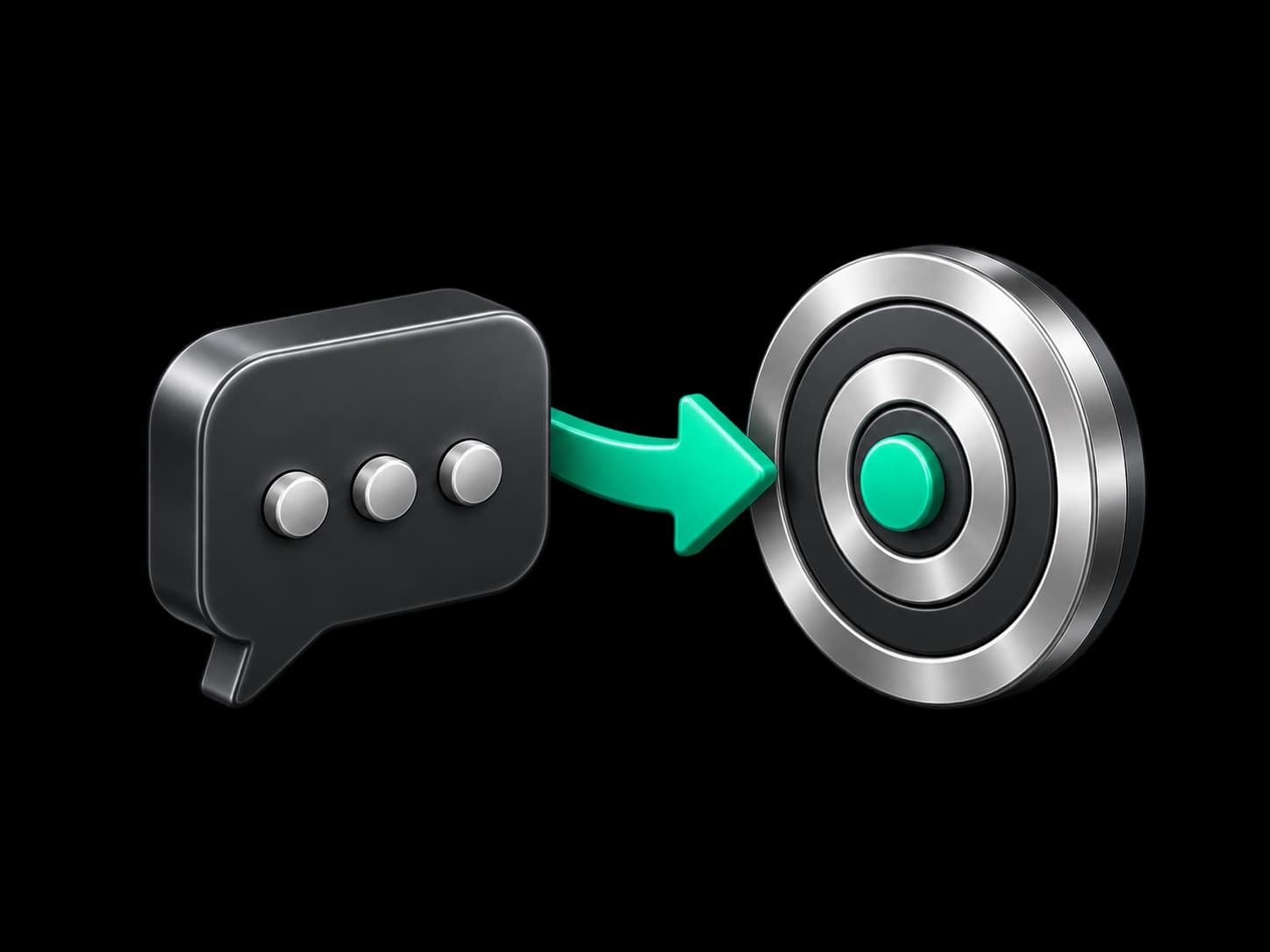
No need to spell out every step – say what you want to achieve, and the assistant works out the sequence of actions.
A chain without pauses
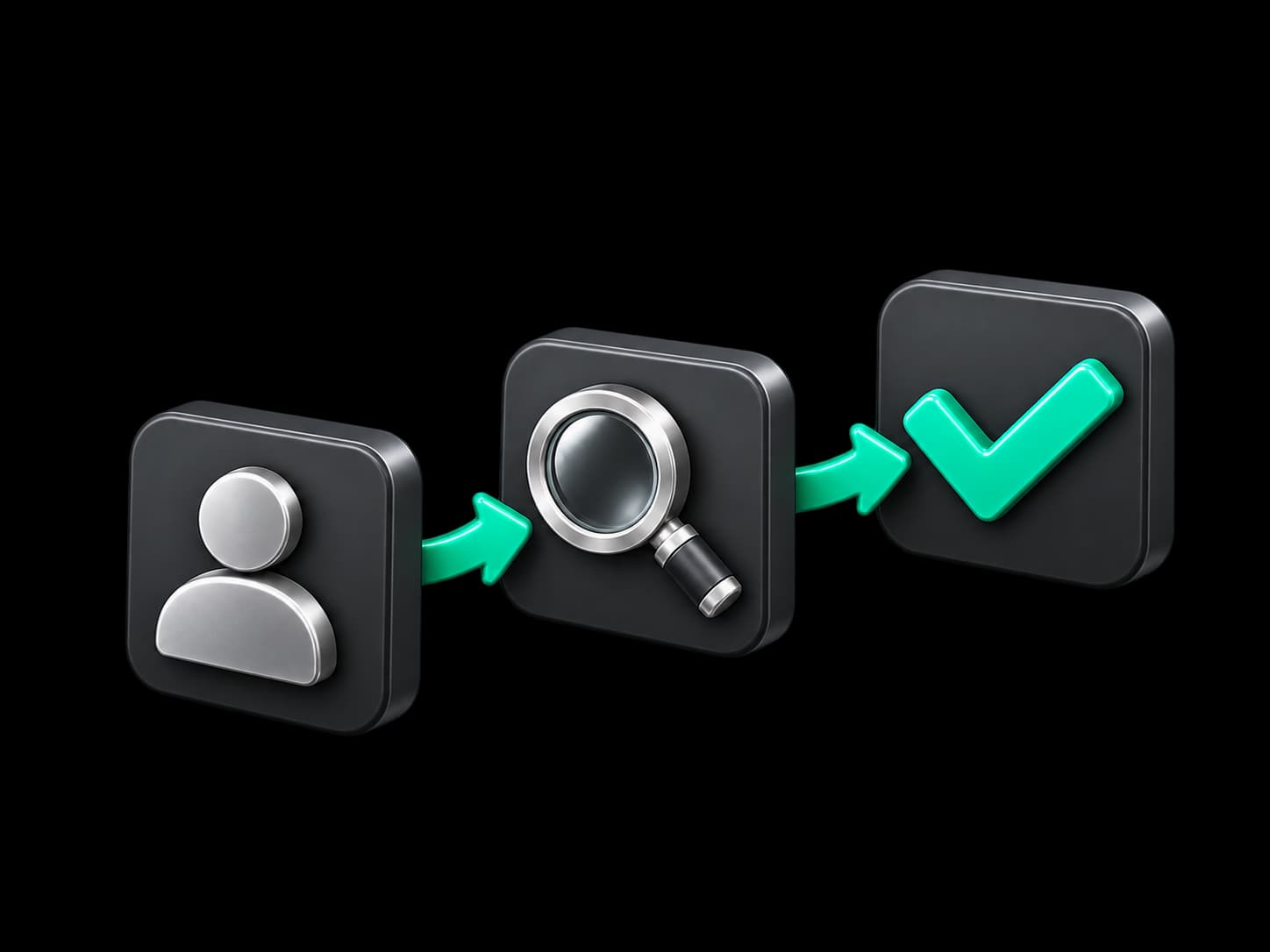
Find a group’s profiles, test their proxies, replace the dead ones and sum it all up – that is one request, not ten separate ones.
Adviser and doer
Ask how any Agent-X feature works, get a clear explanation and have the assistant put it to use right away.

How to start with the AI agent in Agent-X
The assistant has its own page in the app and also lives in a floating window you can keep on top of any screen. Help is always a sentence away, without leaving your profiles or proxies.
Start from a ready prompt
Common tasks are already phrased for you – pick one, and the conversation gets straight to the point.
Type or talk
Dictate when your hands are busy, and the assistant keeps even a long, winding conversation in mind.
A helper inside the profile
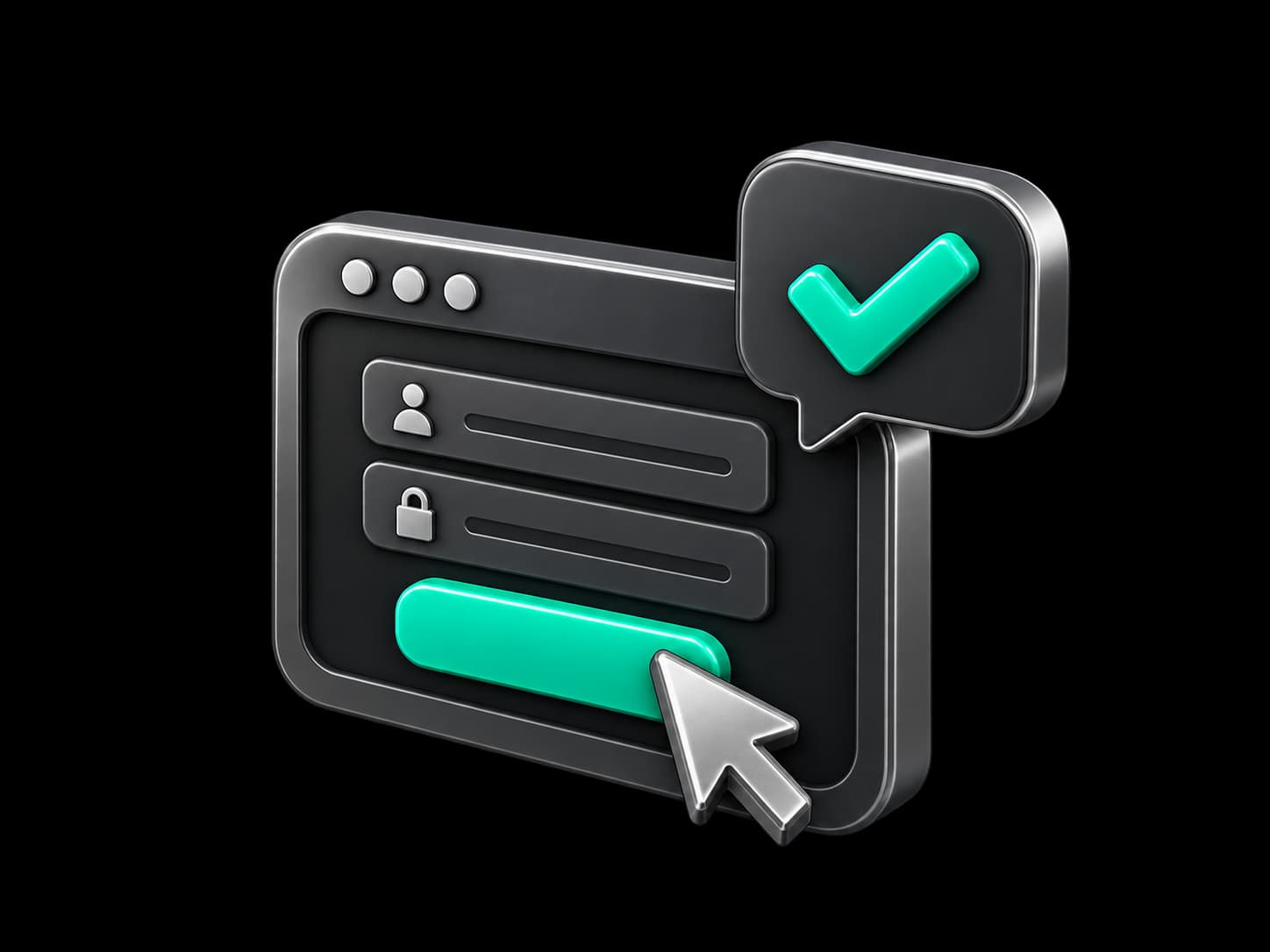
In a profile browser the assistant reads the page, presses buttons, fills in forms and switches tabs when you ask.


AI agent for browser automation
The assistant never guesses where to click – it works through the same Agent-X functions you do. Every action is predictable, and the outcome matches careful manual work, minus the lost hours.
Profiles and proxies
Creates profiles, sorts them into groups, tests proxy lists and pins working addresses to the right profiles.
Mail, social, wallets
Checks mailboxes and X and Discord accounts, and connects each wallet to exactly the profile it belongs to.
Launches and purchases
Opens profiles, fine-tunes browser settings and places orders in the built-in store once you approve.



You stay in control of the AI agent
You decide how it works – approve each step the assistant takes or let it act on its own. In any mode, no payment or deletion happens until you confirm it.
A plan before action
The assistant shows what it is about to do and waits for your go-ahead before changing anything.
Your money is safe
No spending slips past you – even when the assistant is running fully on its own.
Power to fit the task
Choose a lighter model for quick chores and a stronger one for complex, multi-step jobs.



AI in no-code Scripts and in your own AI agents
The assistant’s intelligence is built into the no-code automation builder too. And if you already have a favourite AI agent, the Agent-X MCP server gives it the same app capabilities.
Scripts that reason
A script asks AI about the page content and decides for itself which way to go next.
Record instead of build
Perform the actions once, and AI turns them into a ready script you can repeat on any profiles.
Code from a description
Describe an unusual step in words, and AI writes the code for it.
Where the AI assistant saves hours
Crypto airdrops
Before a new round of activity, the assistant checks every profile in the group and swaps dead proxies for working ones from your reserve. You review the plan and approve it.
Social media accounts
During sign-up or login, the assistant finds the verification code in the right profile’s mailbox – no hunting through dozens of inboxes.
Affiliate and traffic arbitrage
For a new launch, describe how many profiles you need and with which proxies – the assistant creates them, groups them and gets them ready to work.
Automation without a developer
Record a typical route with AI, add a step that decides based on the page, and run the script across your whole profile farm.
Frequently asked questions
What can the Agent-X AI assistant do?
It manages profiles, proxies, mail, accounts, wallets and the browser, and explains how any feature of the app works. Describe a task in everyday words – the assistant makes a plan and carries it out.
Do I need to write special prompts?
No. Write the way you would explain it to a colleague, or start from a ready prompt. The assistant figures out which steps are needed.
Can the AI agent spend money or delete data without asking?
No. Payments and deletions always wait for your confirmation, even when the assistant works on its own. In approval mode you see and approve every step it takes.
Can the assistant work on websites inside a profile?
Yes. In a profile browser it reads the page, clicks, types and fills in forms – routine website chores stop eating your time.
Where are my chats with the AI agent stored?
Your conversation history is kept on your computer, so you can return to any request whenever you like.
Can I connect my own AI agent?
Yes. Turn on the Agent-X MCP server, and your AI client gets access to the same app capabilities as the built-in assistant.
Hand your routine to the AI assistant
Write your first task in everyday words and watch the assistant handle it while you get on with what matters.