Antidetect browser API and MCP server for AI agents
Picture this: your script sets up profiles for a new campaign while you have your coffee, and an AI agent you gave one sentence to hunts down the broken proxies. Agent-X opens its antidetect browser to your code through an API and to Claude Code, Cursor and other agents through an MCP server. You set the task – the browser gets it done.
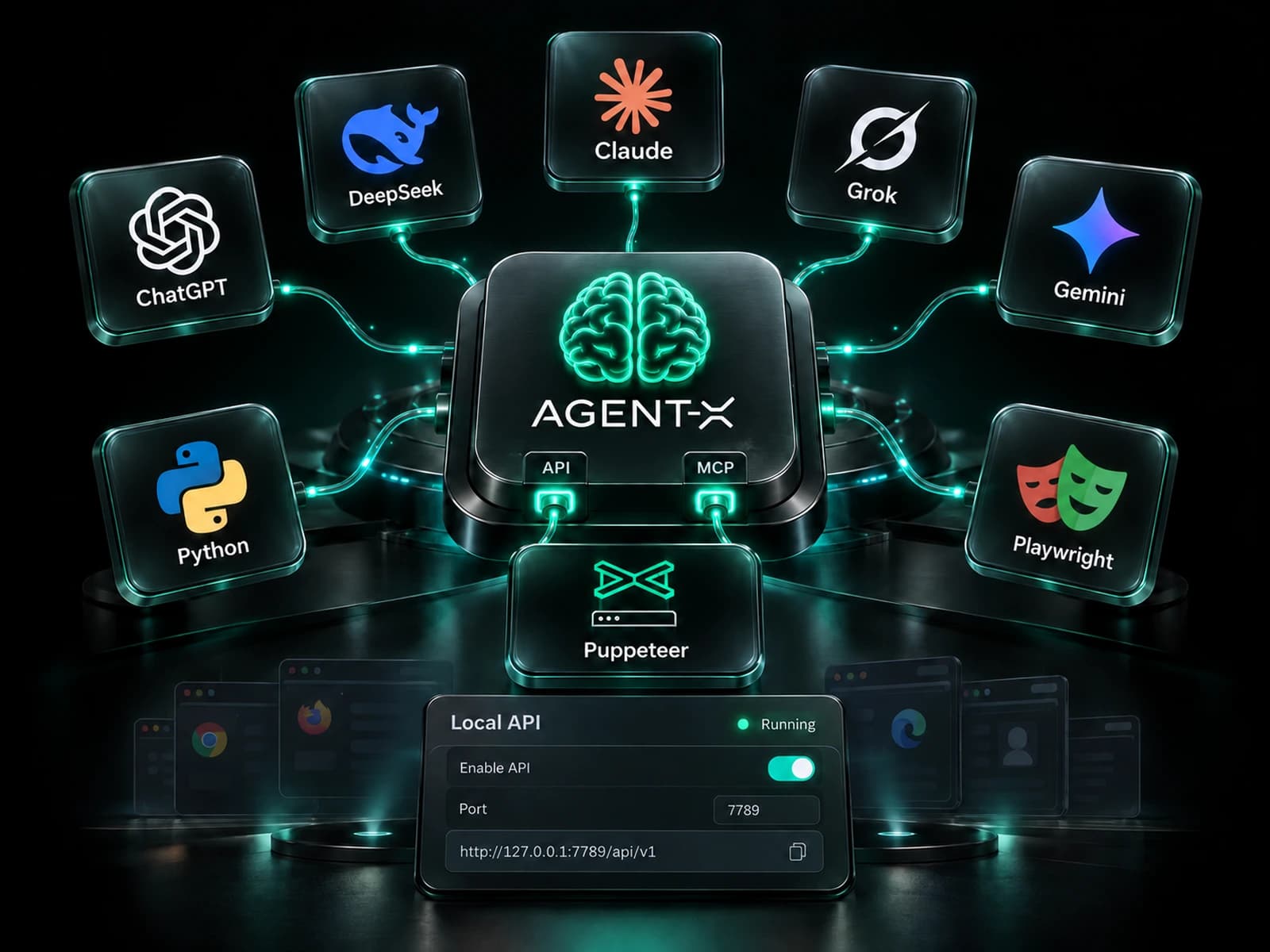
Antidetect browser API – let code handle the routine
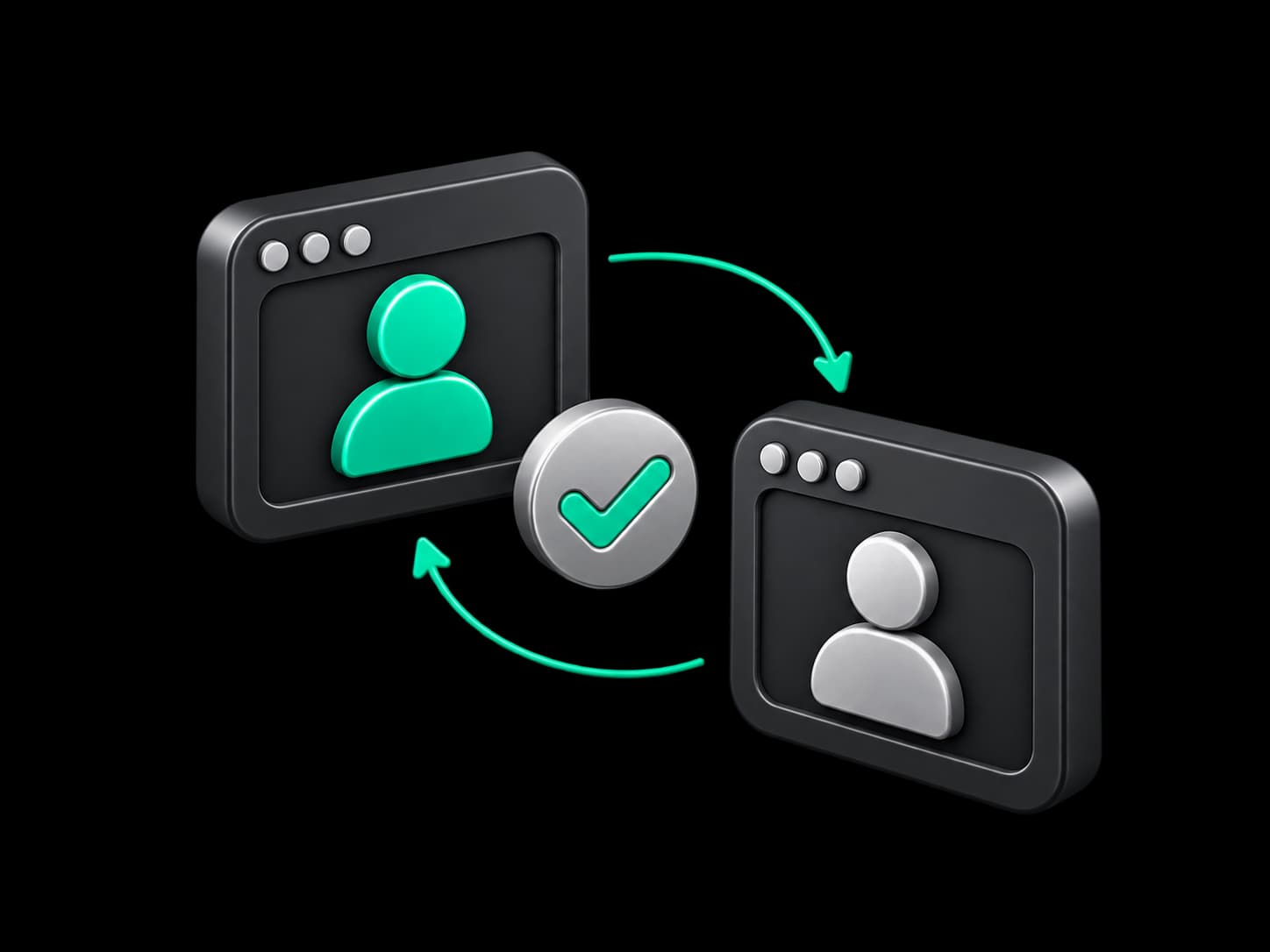
An API is how one program drives another: your script sends a command, and Agent-X carries it out as if you had pressed the button yourself. MCP does the same for AI agents – they understand requests in plain language and decide on their own which actions to take. Without these, multi-accounting comes down to manual work: dozens of identical clicks that eat hours and breed mistakes. Typical automation tools launch a bare browser that websites recognize easily. In Agent-X, your code and your agent work with the same protected profiles you do, so a website sees an ordinary browser, not a bot.
Runs on your computer
The API and MCP server live inside the app, so your profiles and data never travel anywhere.
Access for your tools only
Only your own scripts and your own AI agent can connect, while outside programs stay locked out.
No extra charge
Both tools come with every plan, including the free one that gives you 5 profiles forever.


Turn on the API and run everything from code
One switch in settings is all it takes – everything you do in Agent-X with a mouse becomes available to your programs. Any resource can be created, edited or removed.
Reference at hand
A full description of every request opens inside the app, so writing a client in your language of choice takes an evening.
Every resource in one place
Profiles, proxies, wallets, email, X and Discord accounts, their groups and variables – your code manages them with no human in the loop.
Checks without extra windows
Your script can test proxies, including UDP support, verify email and accounts, install the browser and add extensions from the Chrome store.


Puppeteer and Playwright on real antidetect profiles
Plain Puppeteer opens a clean Chromium that websites spot quickly. With Agent-X, your script gets a complete profile with its own fingerprint, proxy, cookies and extensions – and to the website it looks like a regular visitor.
Connect with zero setup
Launch a profile with a request, and Puppeteer or Playwright instantly pick up its window – nothing to configure.
Know what is open
Your code sees which profiles are running and closes each one cleanly the moment its work is done.
In waves, not all at once
Open a batch of profiles, run your logic, close the batch and move on to the next until the whole list is done.
MCP server – browser automation with an AI agent
A conversation instead of code. Tell the agent "check the proxies in every profile of this group and replace the dead ones", and it works out which steps to take in Agent-X on its own. The server starts from the app settings, and connecting takes a minute.
Familiar clients
Ready-made settings for Claude Code, Cursor, Claude Desktop, Windsurf and VS Code – copy them, and your agent is online.
The agent reaches everything
Profiles, the open page, browser settings, the synchronizer, accounts, wallets and proxies – the agent works with every part of the app.
You have the final say
Anything that spends money is off limits to the agent, and risky steps are shown to you for approval first.



Security – your secrets stay yours
Automation should never cost you peace of mind. The API and MCP server answer only to programs on your own computer, and wallet keys stay sealed until you decide otherwise.
Secrets with your permission
Your code receives private keys and seed phrases only after you explicitly allow it.
Wallets without exposed keys
Scripts link wallets to profiles and work with them without ever seeing the sensitive data.
Closed to the network
Other devices on your network cannot connect to Agent-X, even one sitting on the next desk.



How teams use the API and MCP server
Crypto airdrops at scale
A script creates profiles, gives each one a proxy and a wallet, and Playwright walks them through every step of the campaign. You end up with a ready account farm without a single manual click.
Traffic arbitrage and affiliate marketing
Before every launch your system checks the proxies, and Puppeteer opens the ad profiles and closes them when the work is done. Dead proxies no longer drain the budget.
An AI agent as the operator
Ask Claude Code or Cursor to find profiles with a broken proxy and swap in new ones. The agent handles it and checks with you where the decision matters.
Website testing
A QA team launches profiles with different fingerprints and languages and sees the site through the eyes of users from different countries and devices.
Frequently asked questions
Does Agent-X have an API?
Yes. The built-in API is turned on in settings and gives your code the same power as the app interface – from creating profiles to checking proxies.
Can I connect Puppeteer or Playwright to the Agent-X antidetect browser?
Yes. Launch a profile through the API, and your script controls it together with that profile's fingerprint, proxy and cookies.
How is this better than regular Puppeteer or Playwright?
A regular library opens a clean browser that websites easily tell apart from a human. Through Agent-X, the same code runs inside a protected profile, so accounts last longer.
Which AI clients work with the Agent-X MCP server?
Claude Code, Cursor, Claude Desktop, Windsurf, VS Code and other MCP-compatible clients. The app includes ready-made settings for the popular ones.
Can the API or MCP server expose my wallet keys?
Only if you allow it. Without your consent, keys and seed phrases stay sealed, and actions that spend money are never available to the agent.
Are the API and MCP server available on the free plan?
Yes. The API and MCP server come with every plan, and the free plan gives you 5 profiles forever.
Hand the routine to code and AI
Turn on the API or connect your agent today – and let your profiles work while you focus on strategy.